Click to download now, finish the installation quickly, and directly unlock the all-round experience
Screenshots



Click to download now, finish the installation quickly, and directly unlock the all-round experience
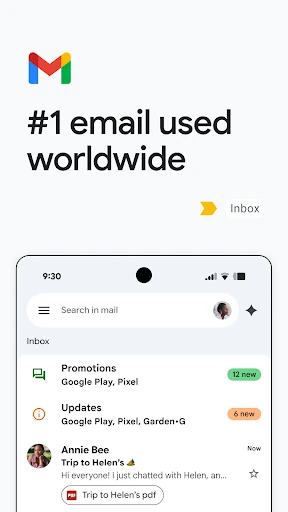
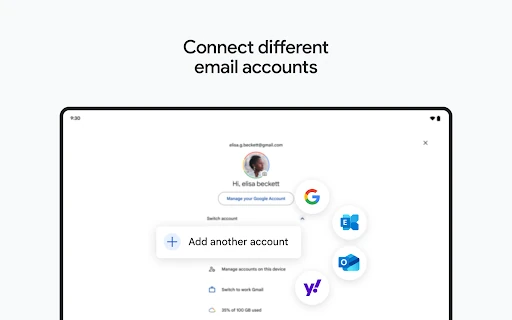
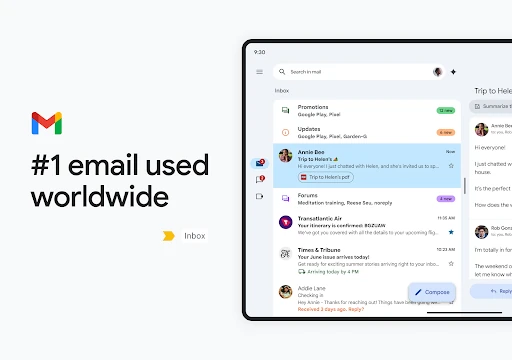
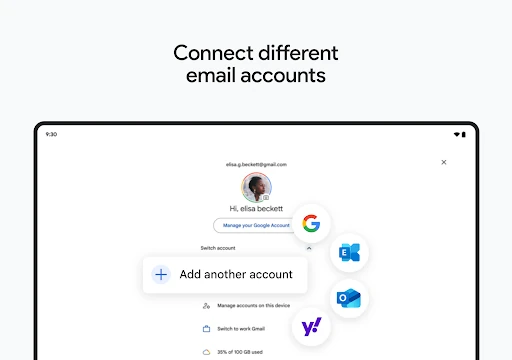
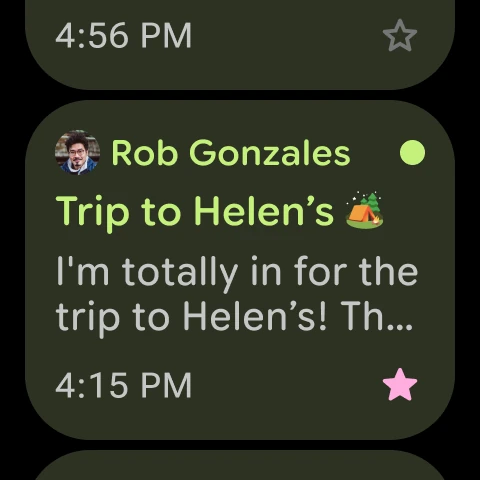
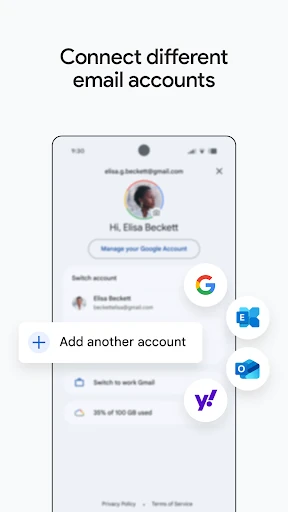
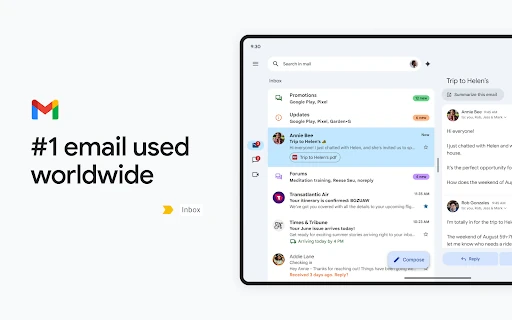
Gmail is Google’s email app for Android. It suits people who manage personal, school, or work correspondence from a phone, especially users already working across Google services. You can read and organise messages, search older conversations, handle attachments, and keep more than one email account in a single app.
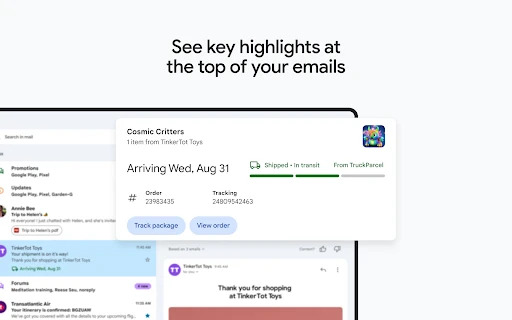
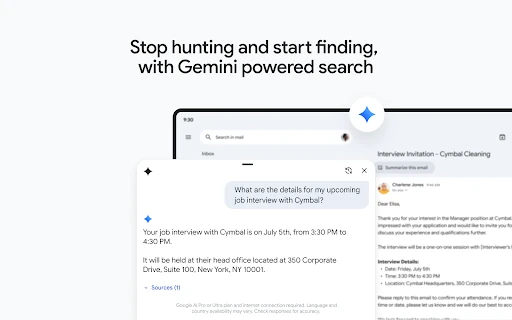
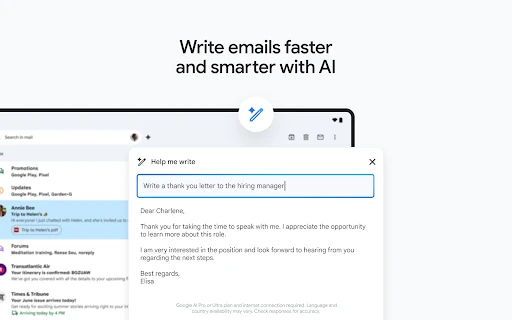
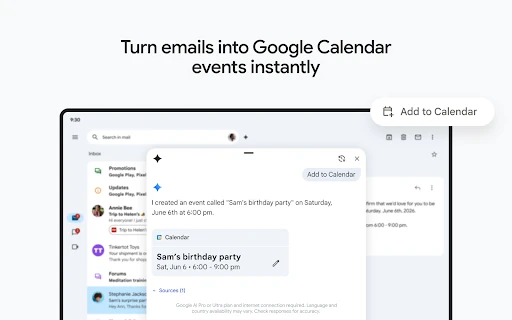
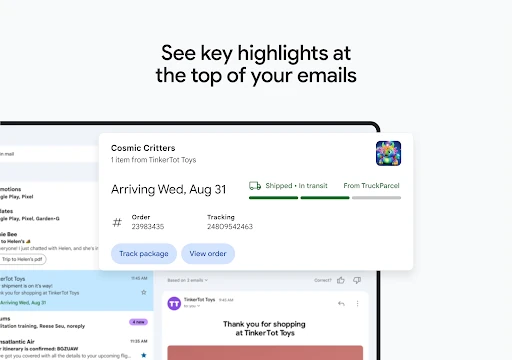
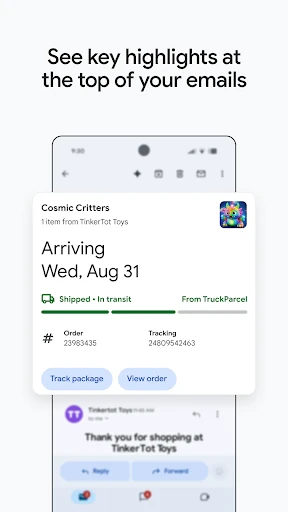
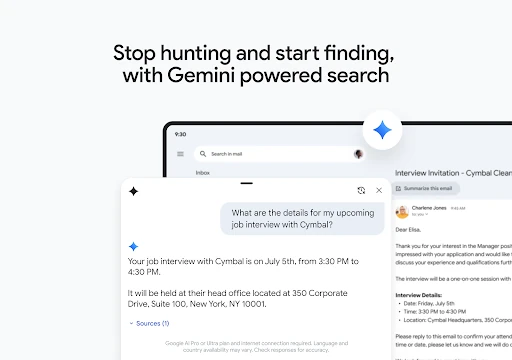
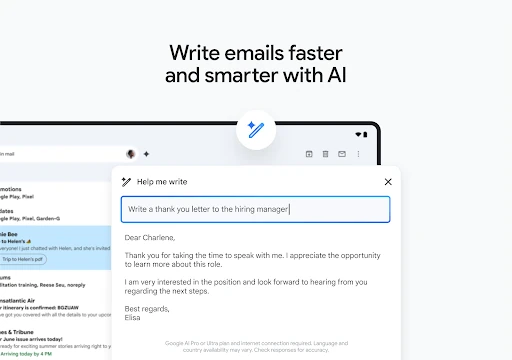
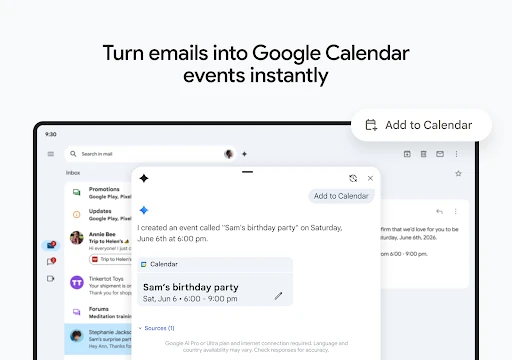
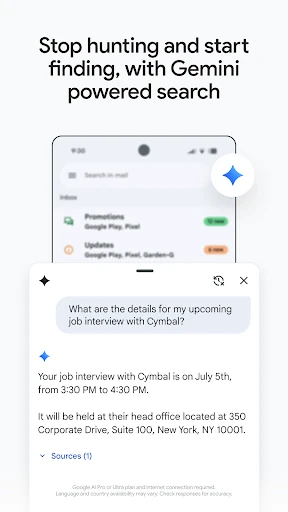
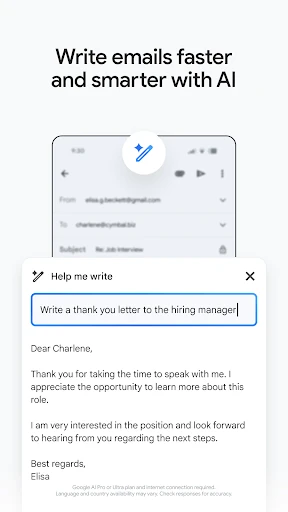
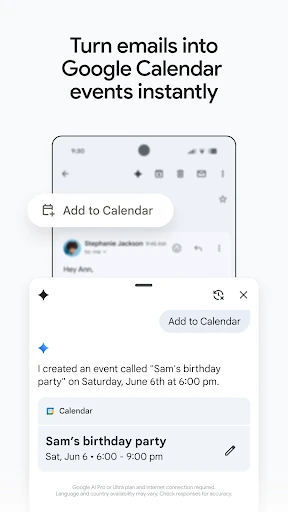
The app adds practical shortcuts to routine email work. Smart Replies can suggest short responses, while “Help me write” assists with drafting. Search is built for finding specific messages and details across a large inbox. Gmail can also surface information from messages, such as travel or delivery updates, and connect email activity with Google Calendar, Meet, and Chat.
Gmail is a sensible choice for users who want a familiar, search-led email client with strong links to Google’s wider tools. It is less focused on minimal email handling than a stripped-back mailbox app, since collaboration and communication features sit alongside the inbox. That broader setup is useful for people who move regularly between messages, meetings, documents, and chats.
Developed by Google LLC, Gmail is listed in the Communication category. It has a measured rating of 4.11 from more than 14.1 million ratings and records 10,000,000,000+ installs. Those figures indicate a widely used app, while the score provides a consistent point of comparison with other communication tools.