
Solid Explorer File Manager
NeatBytes
Downloads
10,000,000+
Source
Google Play
Click to download now, finish the installation quickly, and directly unlock the all-round experience
Screenshots
Click to download now, finish the installation quickly, and directly unlock the all-round experience
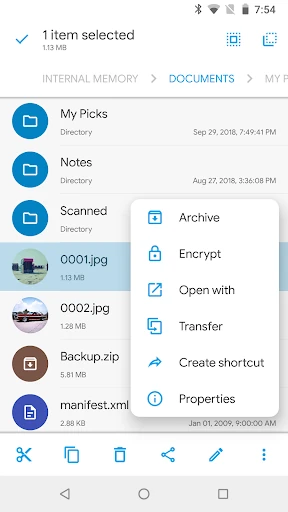
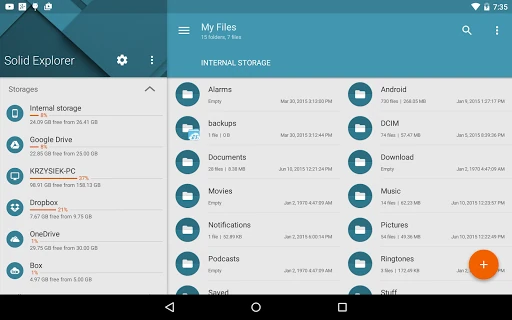
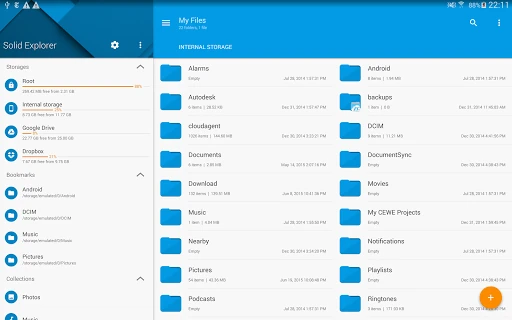
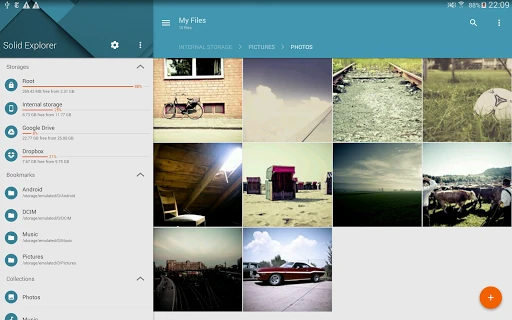
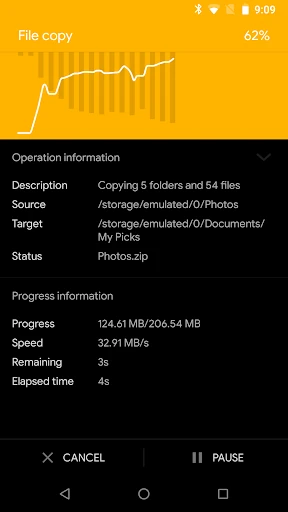
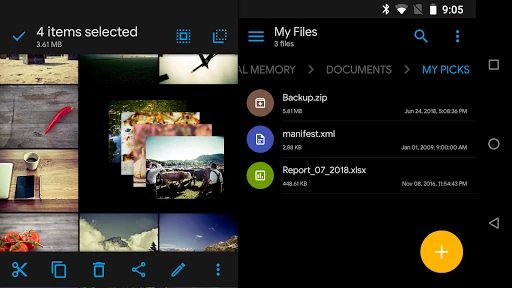
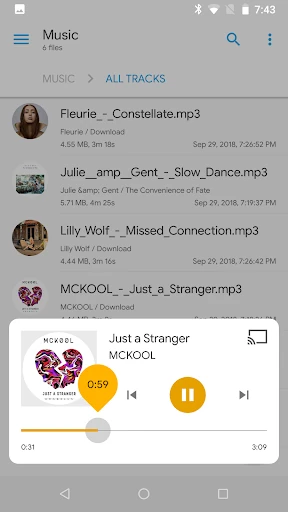
Solid Explorer File Manager is a file browser for organizing files and folders on phones, tablets, and larger Android screens. It suits people who need more control than a basic system file app provides, including users moving files between folders, handling archives, connecting storage services, or managing files on a local network.
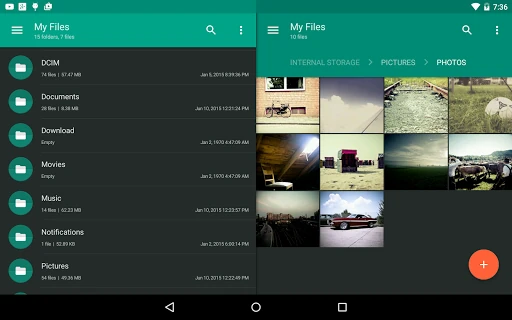
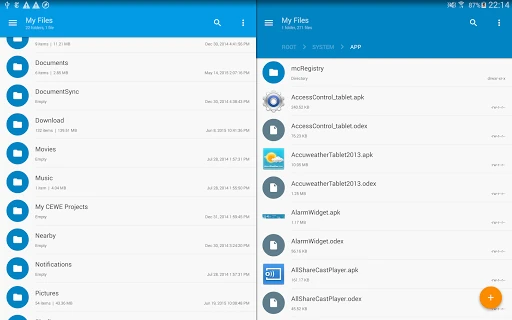
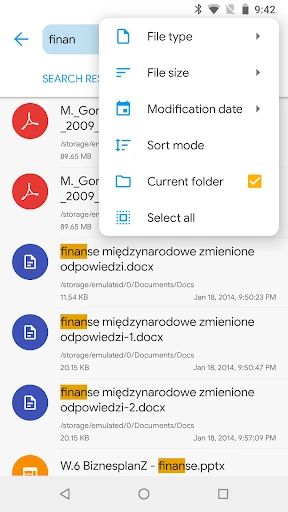
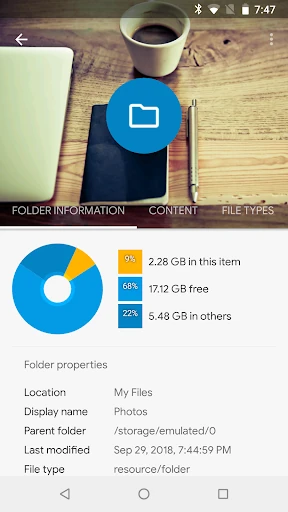
The main interface can show two folder locations at once, making it easier to copy or move items without repeatedly navigating back and forth. It also includes file search and storage analysis tools, which help locate content and identify folders using substantial space. Built-in viewers support common media and text files without requiring a separate app for every task.
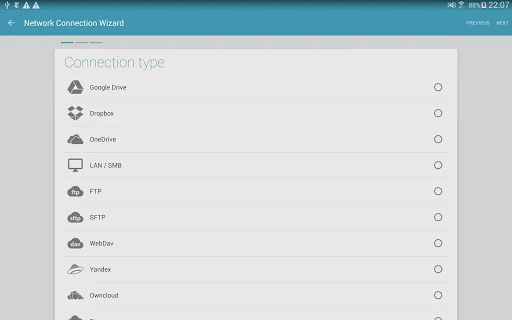
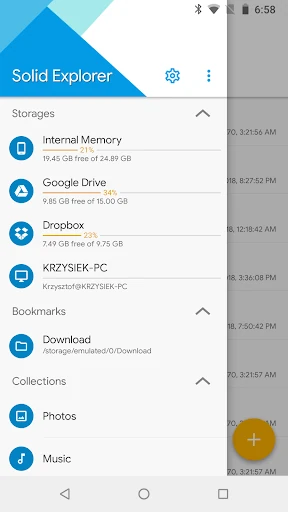
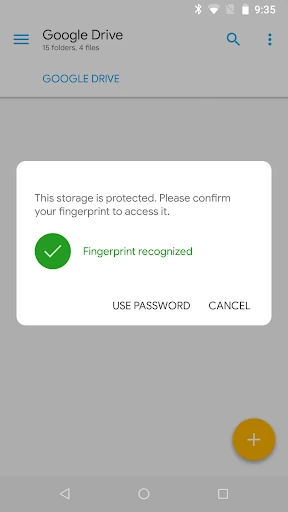
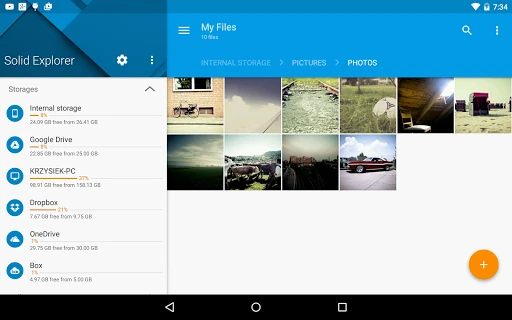
Solid Explorer brings several storage locations into one interface. Depending on the connection, users can work with services such as Google Drive, OneDrive, and Dropbox, as well as FTP, SFTP, and SMB network shares. The app can also handle common archive formats, including ZIP, 7Z, RAR, and TAR. Advanced users may use its root-level file access where the device and permissions allow it.
For private files, the app provides an encrypted secure area with biometric access support. These tools make it more suitable for personal documents and sensitive folders than a simple file list, although permissions and device configuration still matter.
Developed by NeatBytes, Solid Explorer File Manager is listed in Productivity and has 10,000,000+ installs. Its current score is 4.32 from 153,196 ratings. That number reflects the same measured comparison framework used for other apps, rather than a store description or an unrechecked review average.