
Pregnancy Test Checker
Sandi Development
Downloads
100,000+
Source
Google Play
Click to download now, finish the installation quickly, and directly unlock the all-round experience
Screenshots
Click to download now, finish the installation quickly, and directly unlock the all-round experience
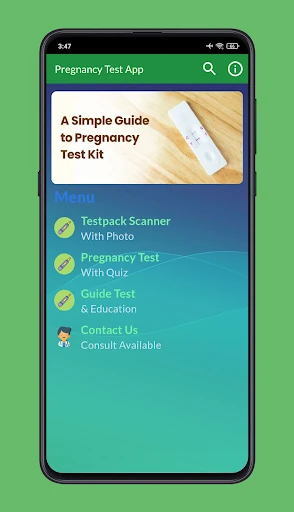
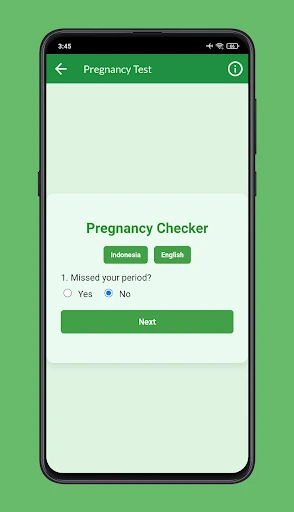
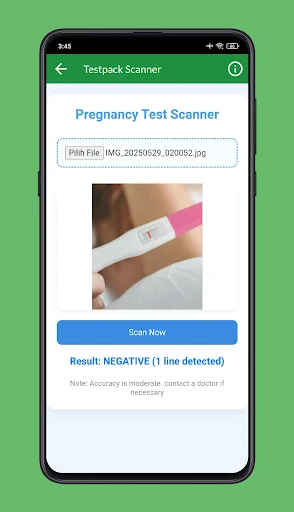
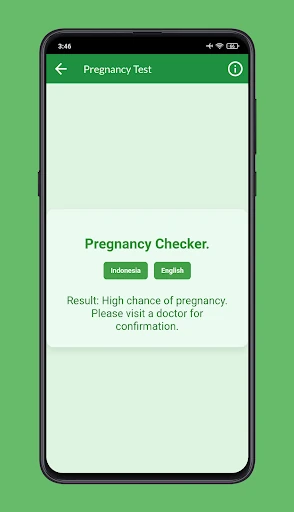
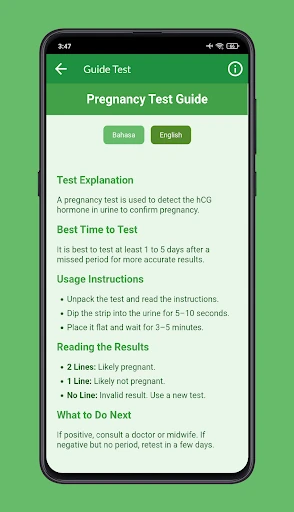
Pregnancy Test Checker is a parenting app for people trying to make sense of an at-home pregnancy test or early symptoms. It combines a camera-based test scanner with a symptom questionnaire, giving users a preliminary way to review faint or unclear results and consider whether their symptoms may fit early pregnancy.
The app is aimed at anyone looking for quick, accessible help after taking a home test, especially when the result is difficult to read. Its combination of image checking and general information may be useful during the wait before repeating a test or speaking with a healthcare professional.
This is an interpretation and information tool, not a medical diagnosis. A camera-based reading can be affected by the test brand, lighting, image quality and how clearly the result appears. Users should confirm uncertain or important results with a proper pregnancy test and qualified medical advice rather than treating the app’s assessment as definitive.
Published by Sandi Development in the Parenting category, Pregnancy Test Checker has a rating of 3 from 72 ratings and has reached 100,000+ installs. Those figures suggest a reasonably visible app with mixed user feedback, so its tools are best treated as a supplementary aid rather than a standalone answer.